
How it works
Your catalogue. Your brand. A better shopping experience.
Connect your Shopify store, shape your assistant, and help shoppers discover complete looks—with visibility into how they engage.
Product previews shown for illustration.
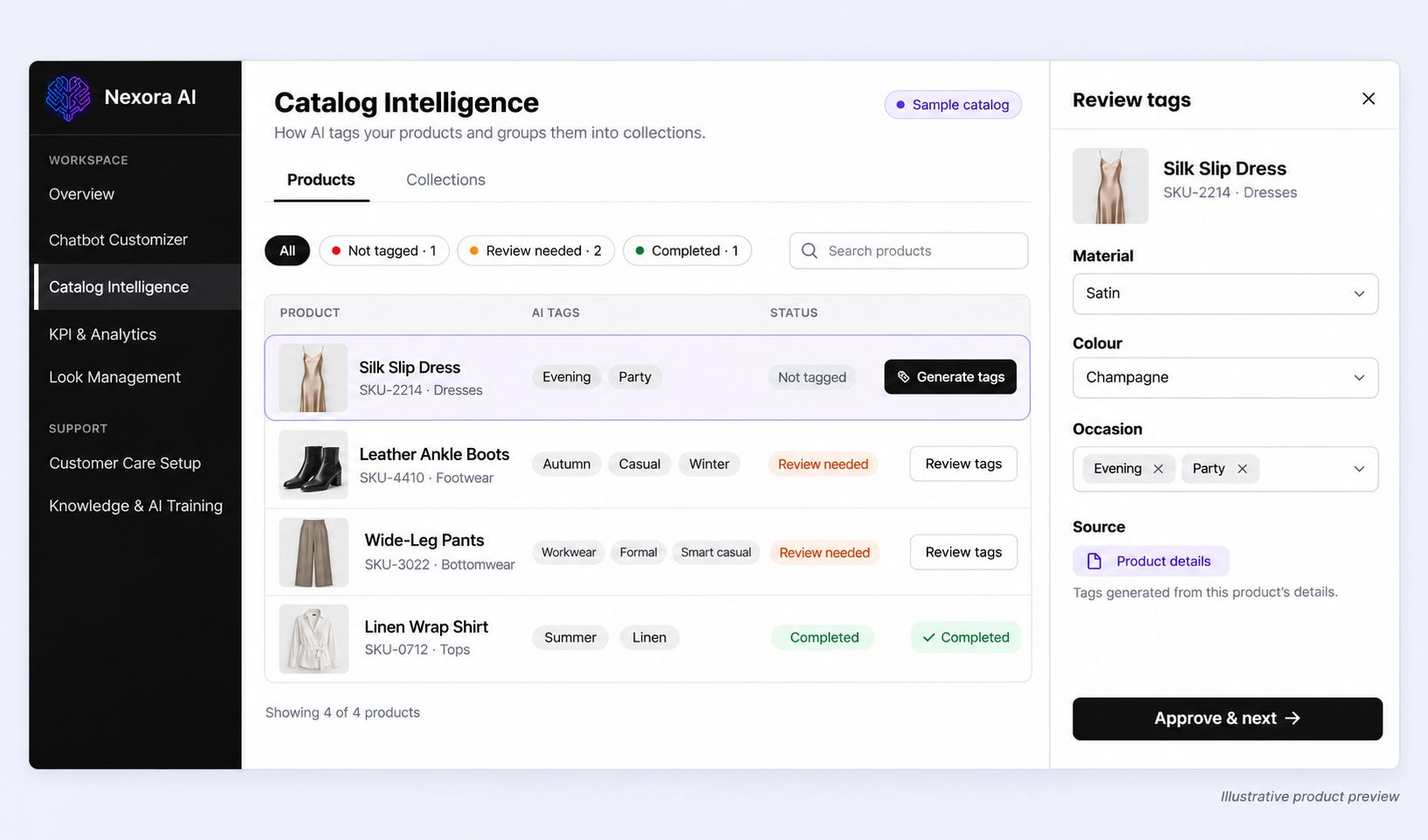
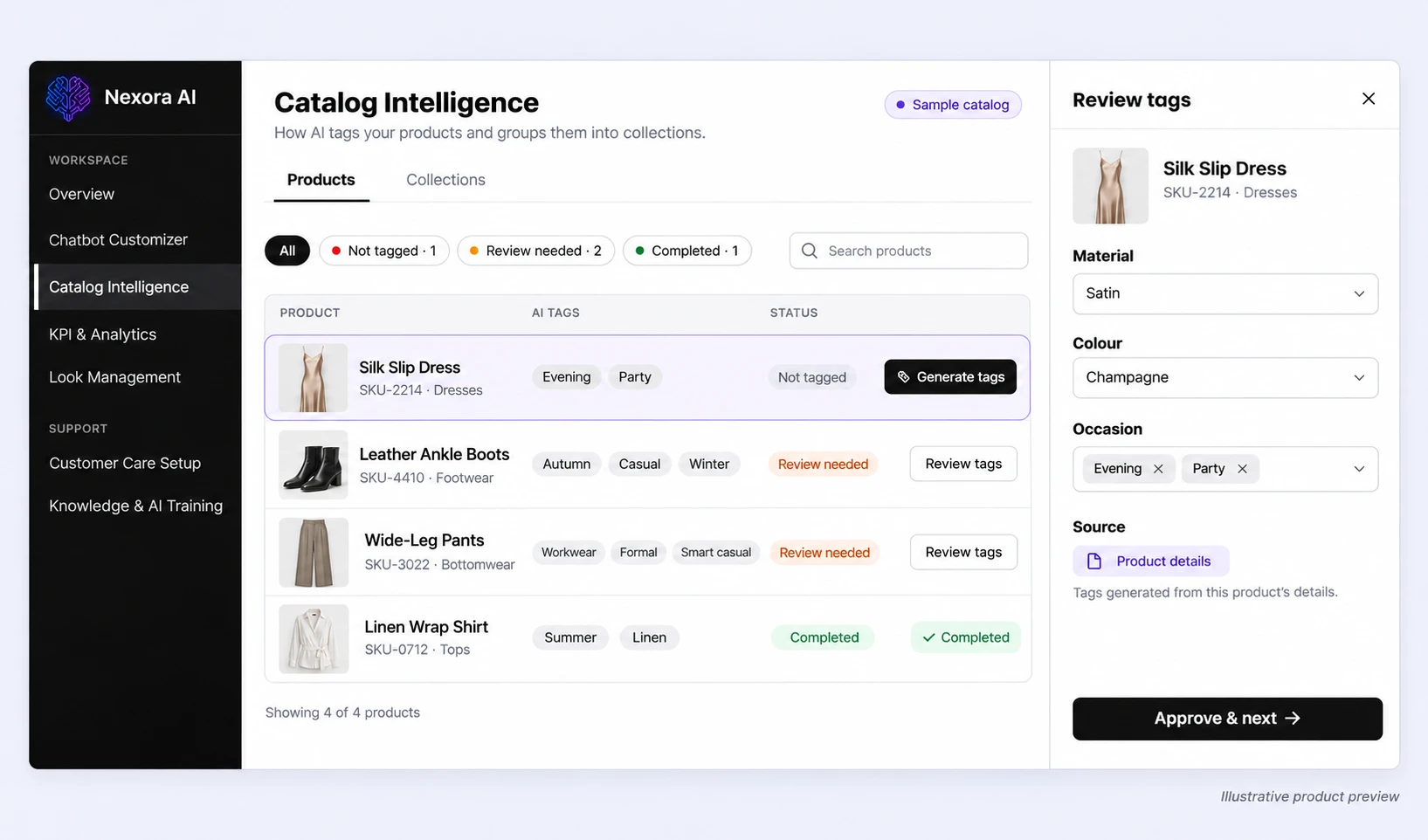
- Merchant setup
Step 1 of 4: Connect your store
Bring your products, variants, and inventory into Nexora.
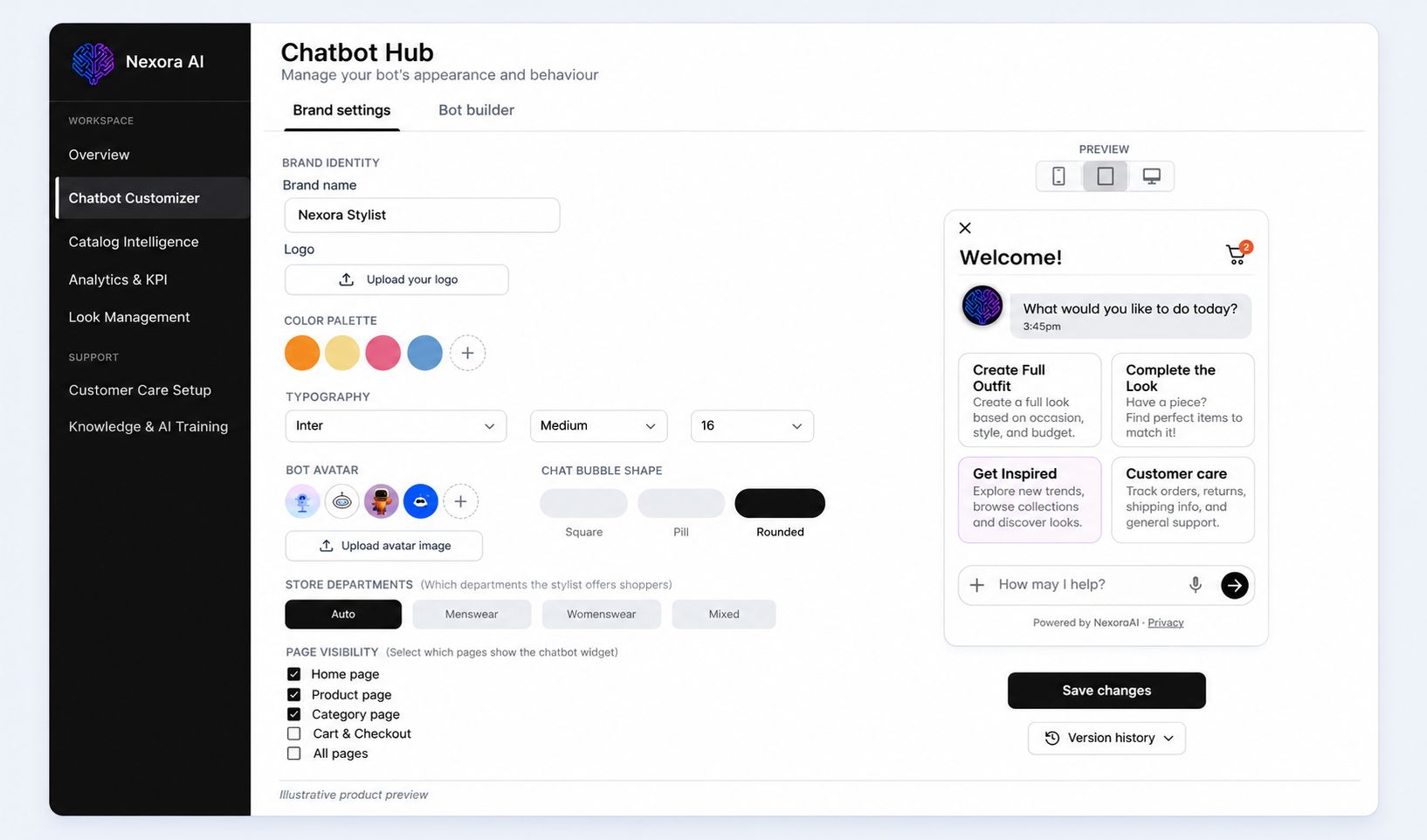
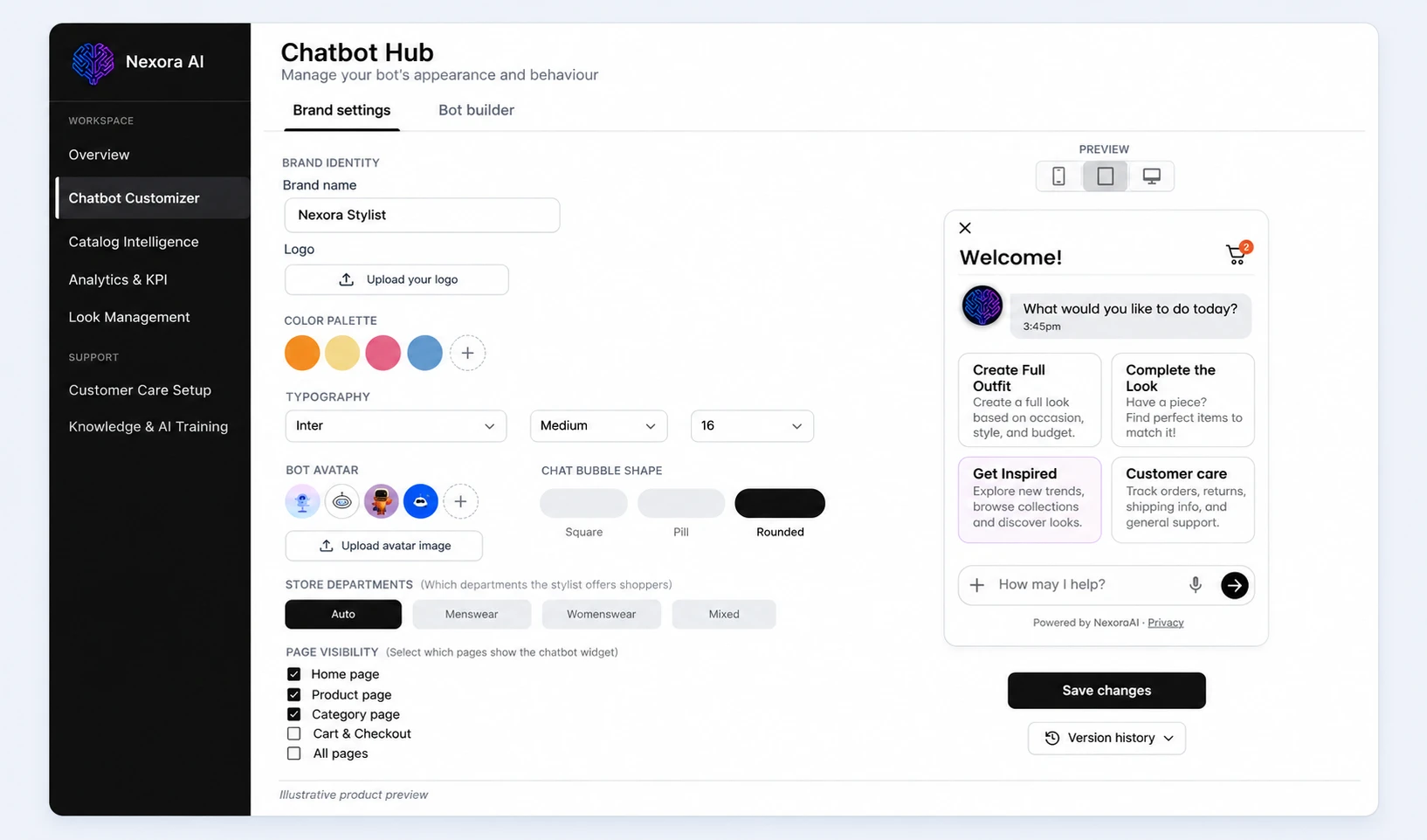
- Merchant setup
Step 2 of 4: Make it your own
Customise your assistant’s appearance, styling guidance, and store knowledge. Preview the experience before publishing.
- Shopper experience
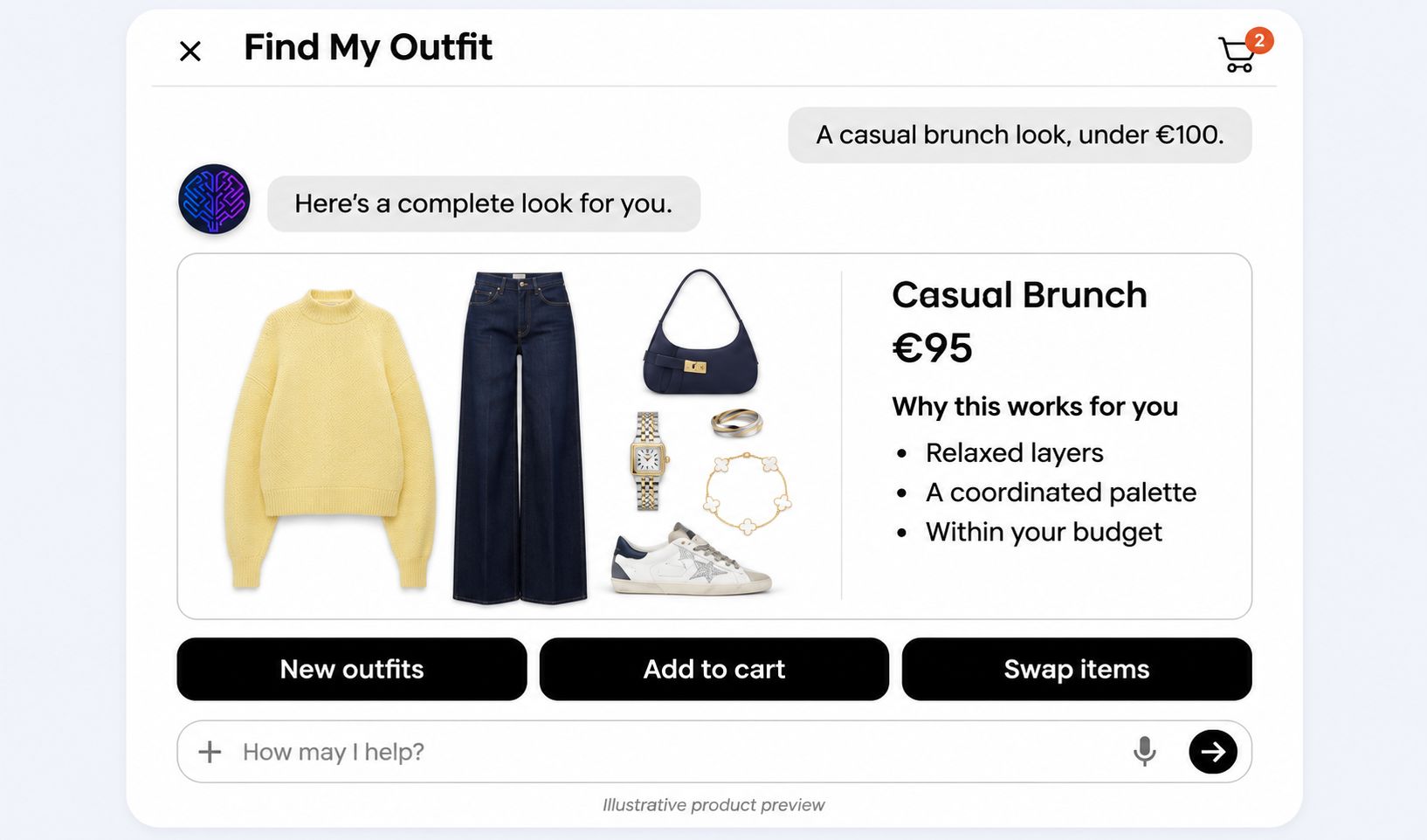
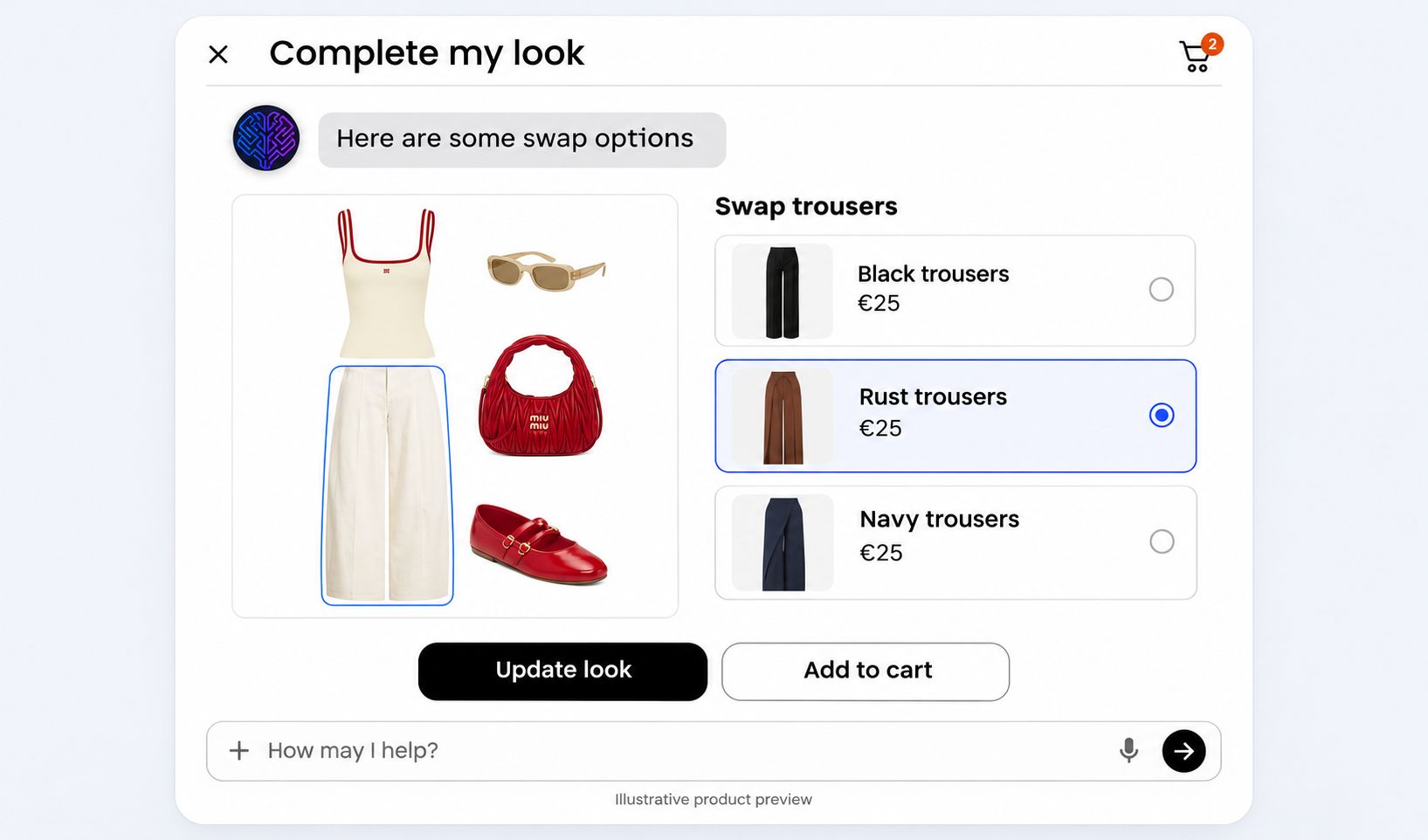
Step 3 of 4: Help shoppers find their look
Let shoppers discover complete outfits, swap individual pieces, and get answers—all in one conversation.
- Merchant insights
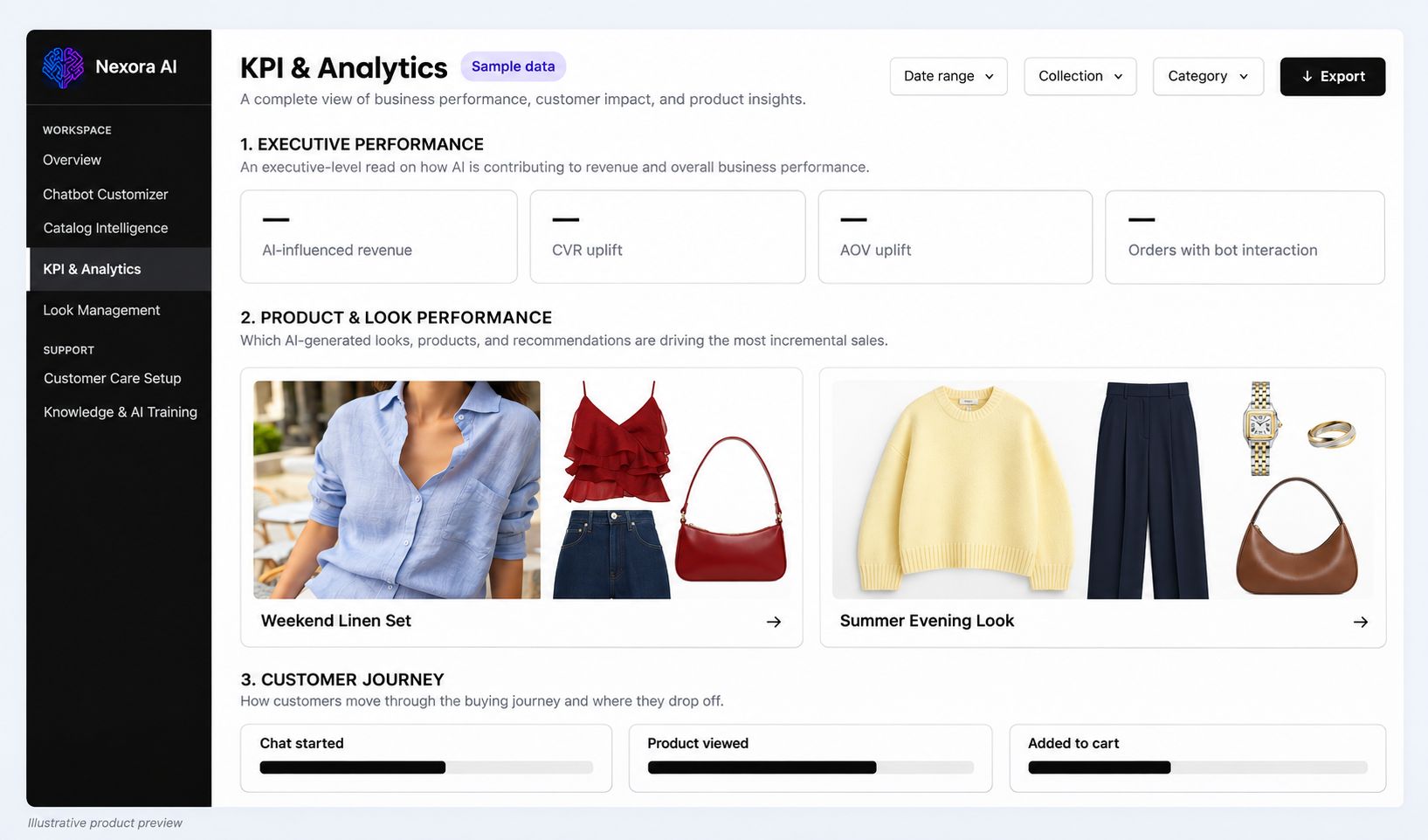
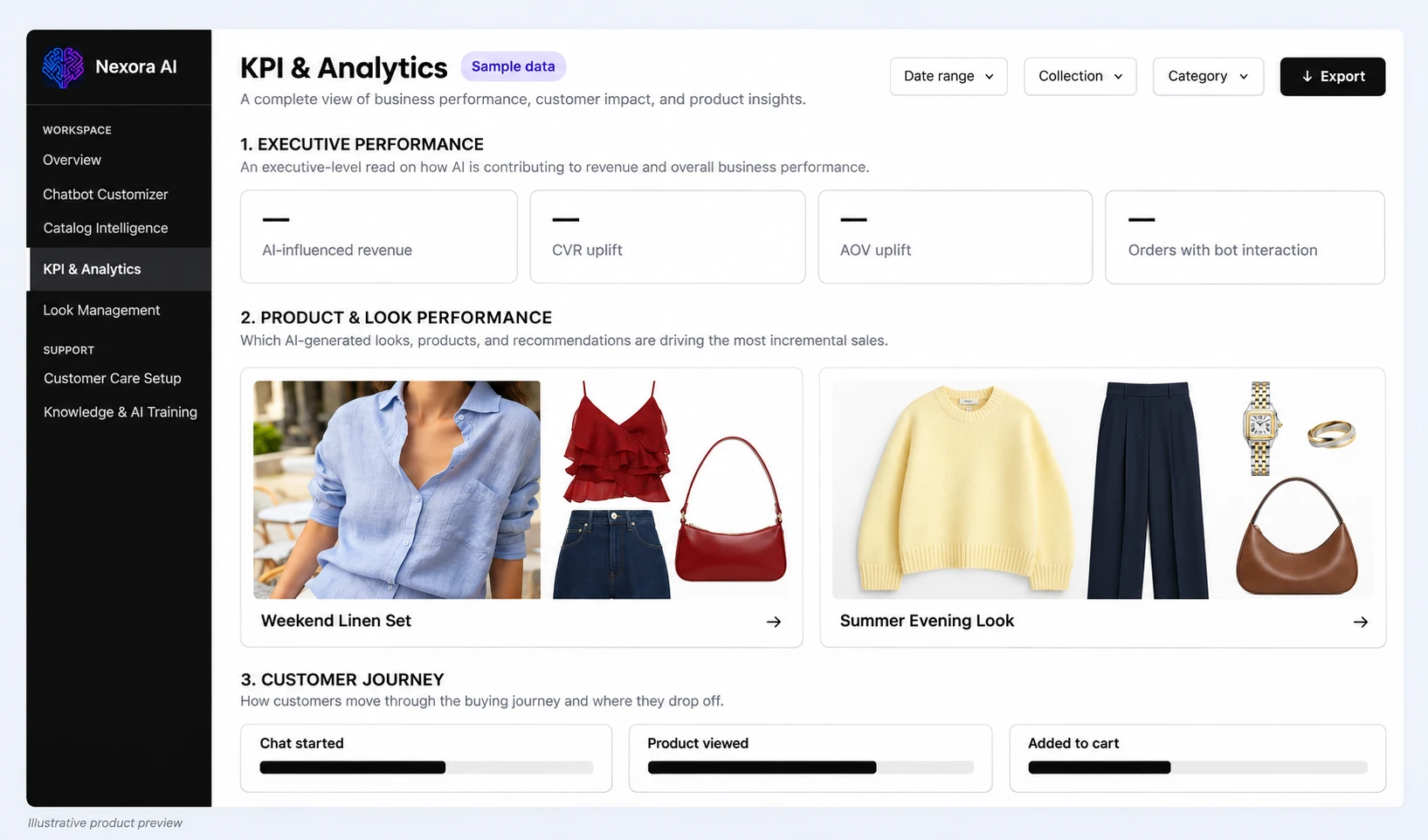
Step 4 of 4: Understand and refine
Review conversations, product engagement, and recommended looks to guide your next improvements.
 View preview
 View preview
 View preview
 View preview
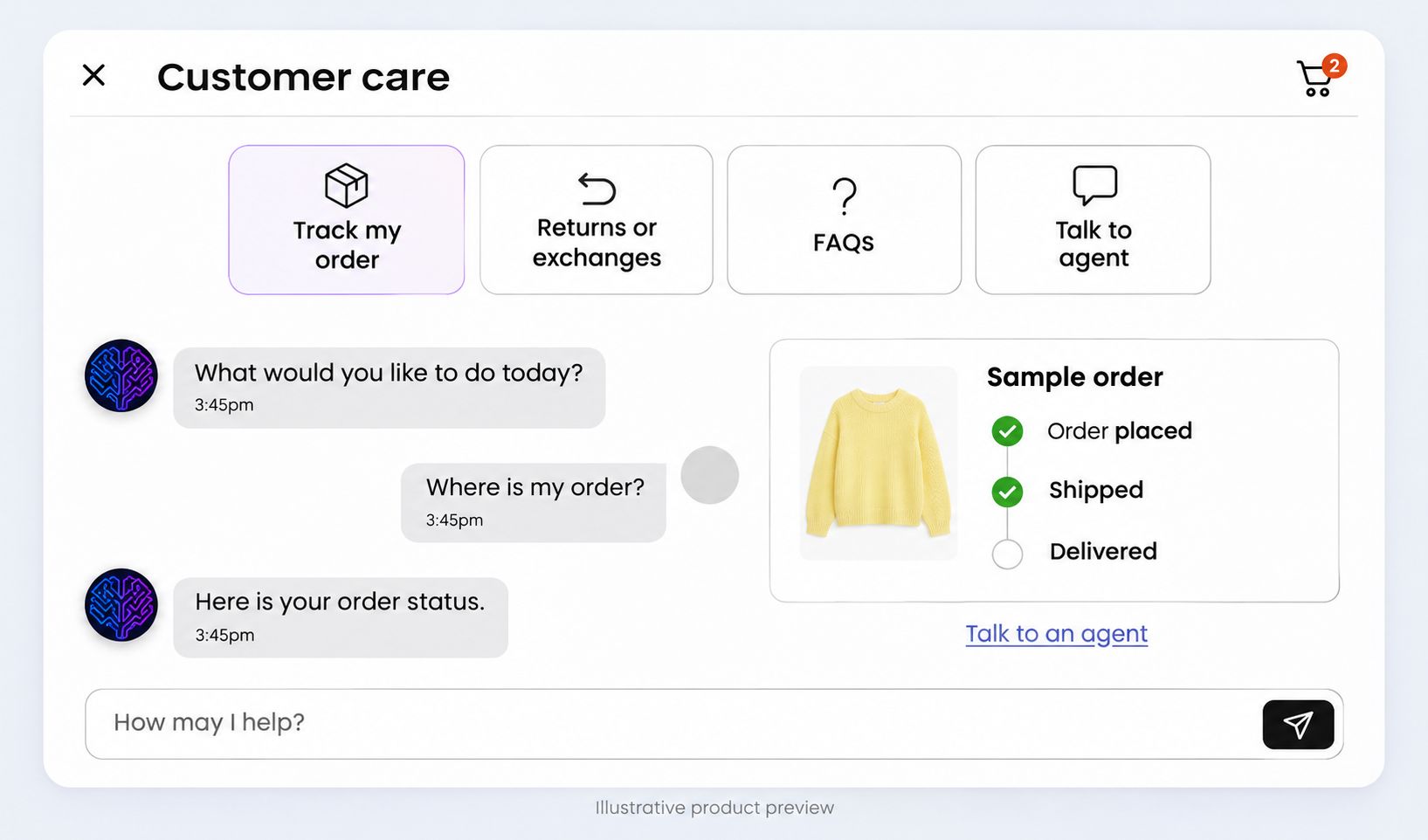
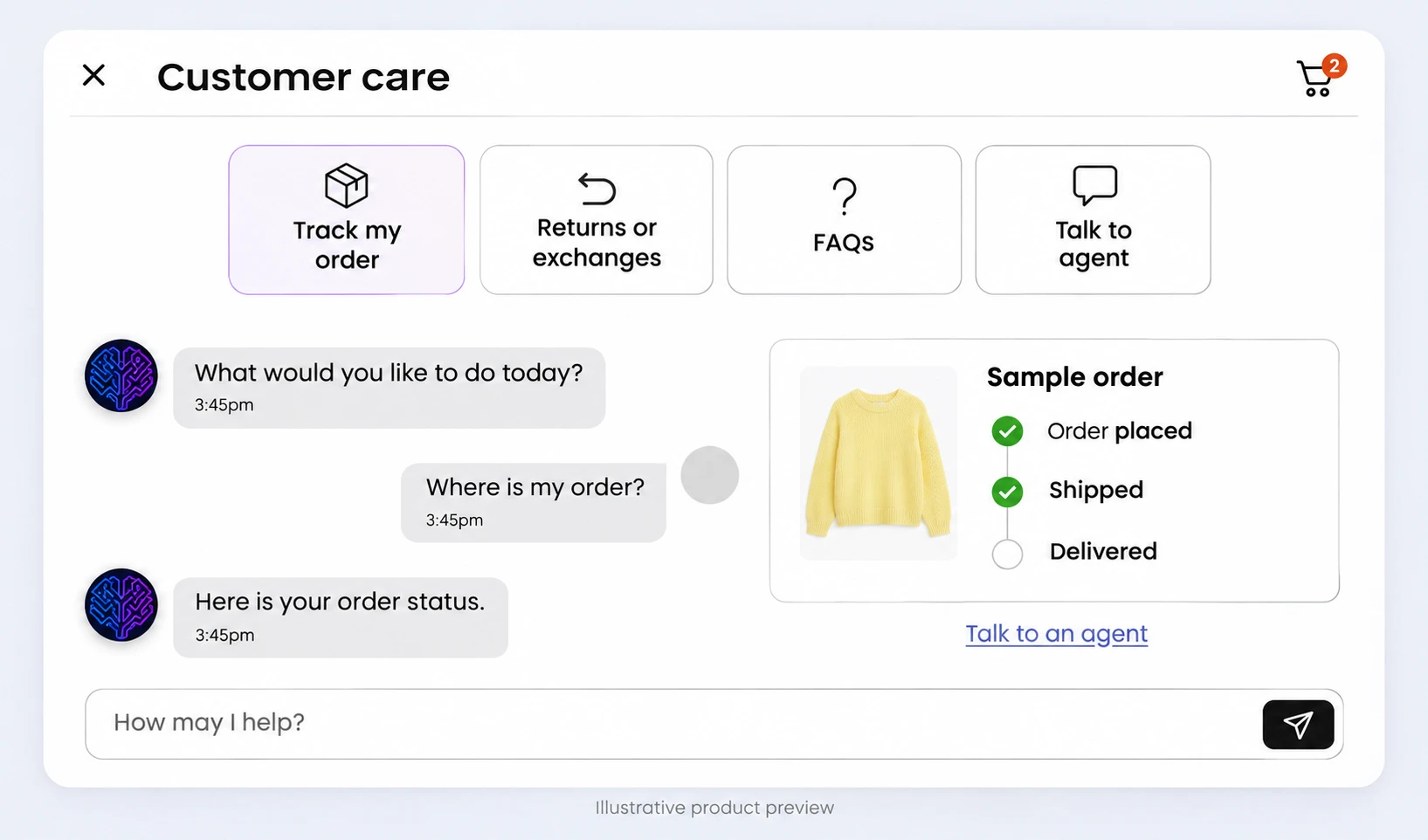 View preview
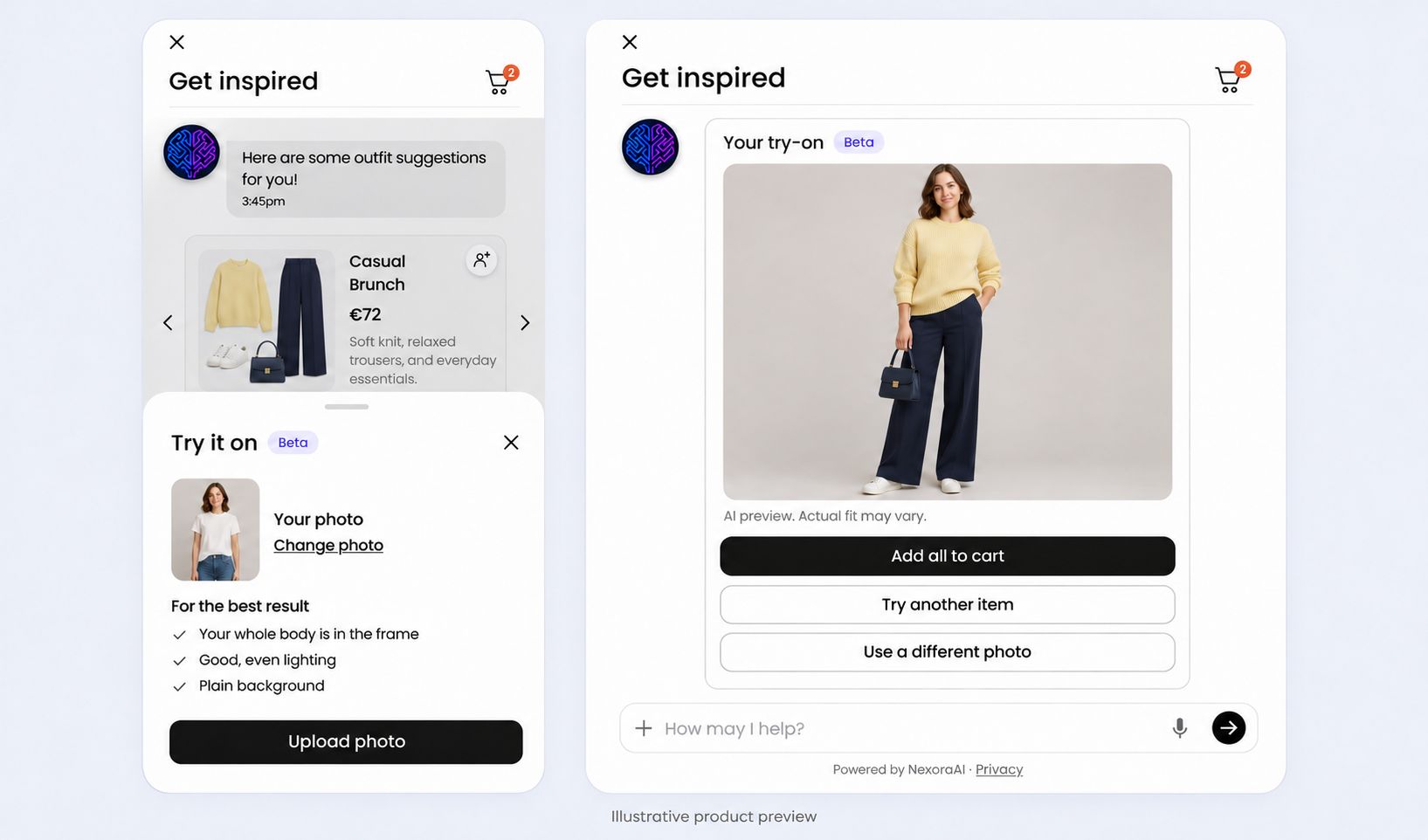
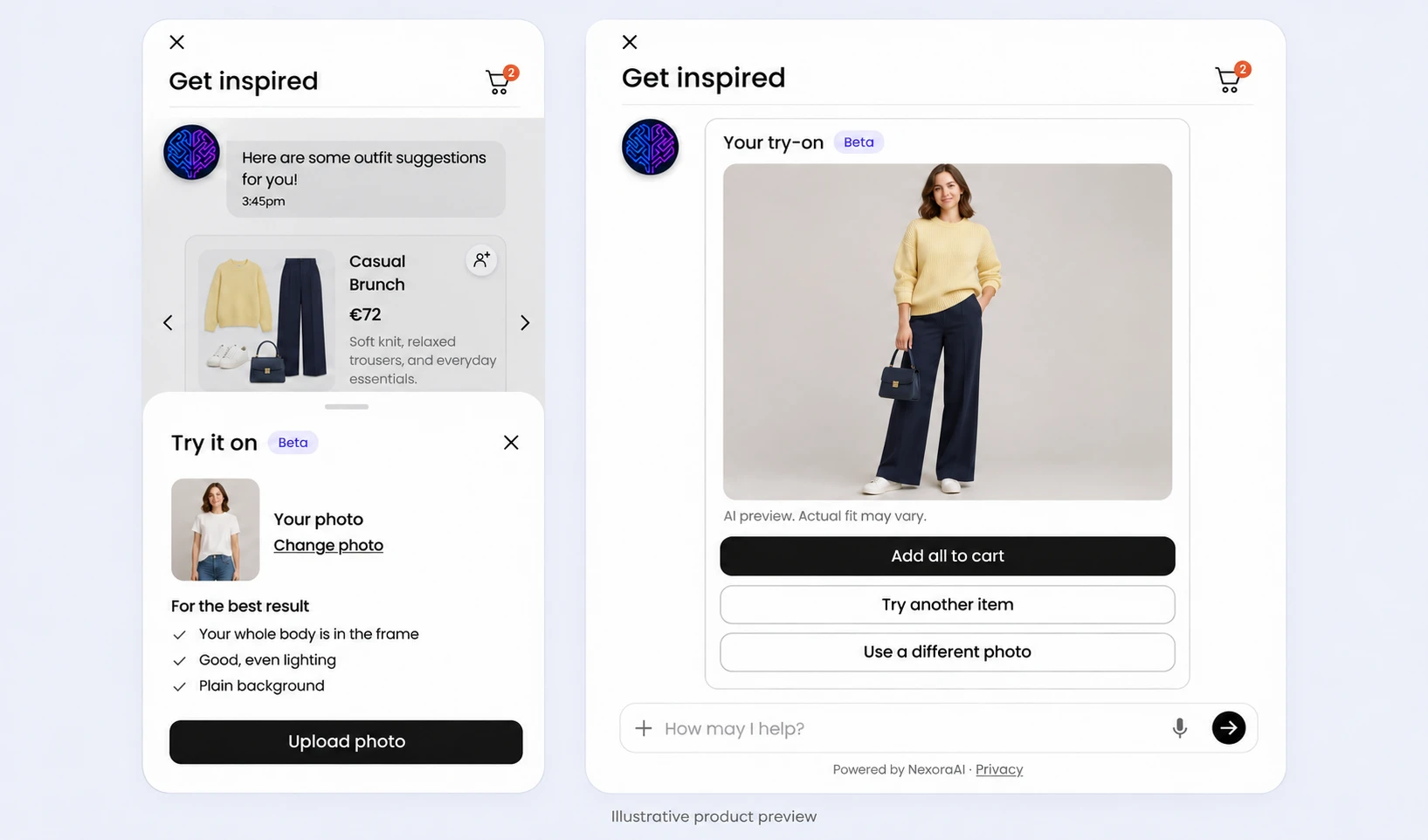 View preview
 View preview
FAQ
A few questions before you begin.
The practical details of getting your stylist and customer service agent ready for shoppers.
-
How do I install NexoraAI Commerce?
Install from the Shopify App Store, review the requested permissions, and open the guided setup in your Shopify admin. Our team can help you review store fit before installation.
-
How does my Shopify catalogue connect?
During setup, connect your store to sync products, variants, inventory, and metadata. Review the connection and catalogue readiness before you configure recommendations.
-
What can I customise?
Set the widget’s appearance, assistant name, brand voice, welcome prompts, and styling preferences. Add your FAQs and policies to shape Customer Service answers and when shoppers are handed over to your team.
-
Can I preview before launching?
Yes. Preview the widget and test outfit discovery, product swaps, and support questions before publishing it to your storefront. Go live when your team is ready.
-
Is help available when we start?
Every plan includes email support. To talk through catalogue readiness, configuration, and launch questions, book a demo with our team.
Ready to bring your store’s expertise to every conversation?
Explore your catalogue and setup with our team, or take the next step through the Shopify App Store.
 (opens in a new tab) Shopify App Store: coming soon